Best Seller Icon Bestseller

CERTIFICATE In OFFICE APPLICATION(M-OA-1398)

  • Last updated Feb, 2026
  • Certified Course
₹2,800 ₹3,500

Course Includes

  • Duration6 Months
  • Enrolled5
  • Lectures72
  • Videos0
  • Notes0
  • CertificateYes

What you'll learn

📜 CERTIFICATE IN OFFICE APPLICATION

The Certificate in Office Application course is specially designed to provide fundamental knowledge and practical skills in computer operation and office productivity tools.

This course is ideal for beginners, students, job seekers, and professionals who want to develop essential computer skills for academic, professional, or personal use.


🎯 Eligibility

  • Students & Working Professionals
  • Minimum qualification: Class VIII Pass
  • No prior computer knowledge required


Show More

Course Syllabus

✔ Introduction to Computers & Applications

  • Definition and types of computers
  • Basic components of a computer system
  • Uses of computers in education, business, banking, healthcare, etc.
  • Introduction to common computer applications
  • Understanding input, process, and output cycle

✔ Computer Hardware & Software

  • Basic hardware components (Keyboard, Mouse, Monitor, CPU, Printer, Scanner)
  • Input and Output devices
  • Storage devices (Hard Disk, Pen Drive, Memory Card)
  • Types of software (System Software & Application Software)
  • Introduction to common utility programs

✔ Operating System Basics

  • Introduction to Operating System (OS)
  • Features of Windows Operating System
  • Desktop, Taskbar, Icons & Start Menu
  • File and Folder Management (Create, Rename, Delete, Copy, Move)
  • Control Panel basics
  • Installing and uninstalling software

✔ Word Processing (MS Word)

  • Creating, saving, and editing documents
  • Text formatting (Font style, size, color, alignment)
  • Paragraph formatting & page setup
  • Inserting tables, pictures, shapes
  • Header, Footer & Page Number
  • Mail Merge basics
  • Printing documents

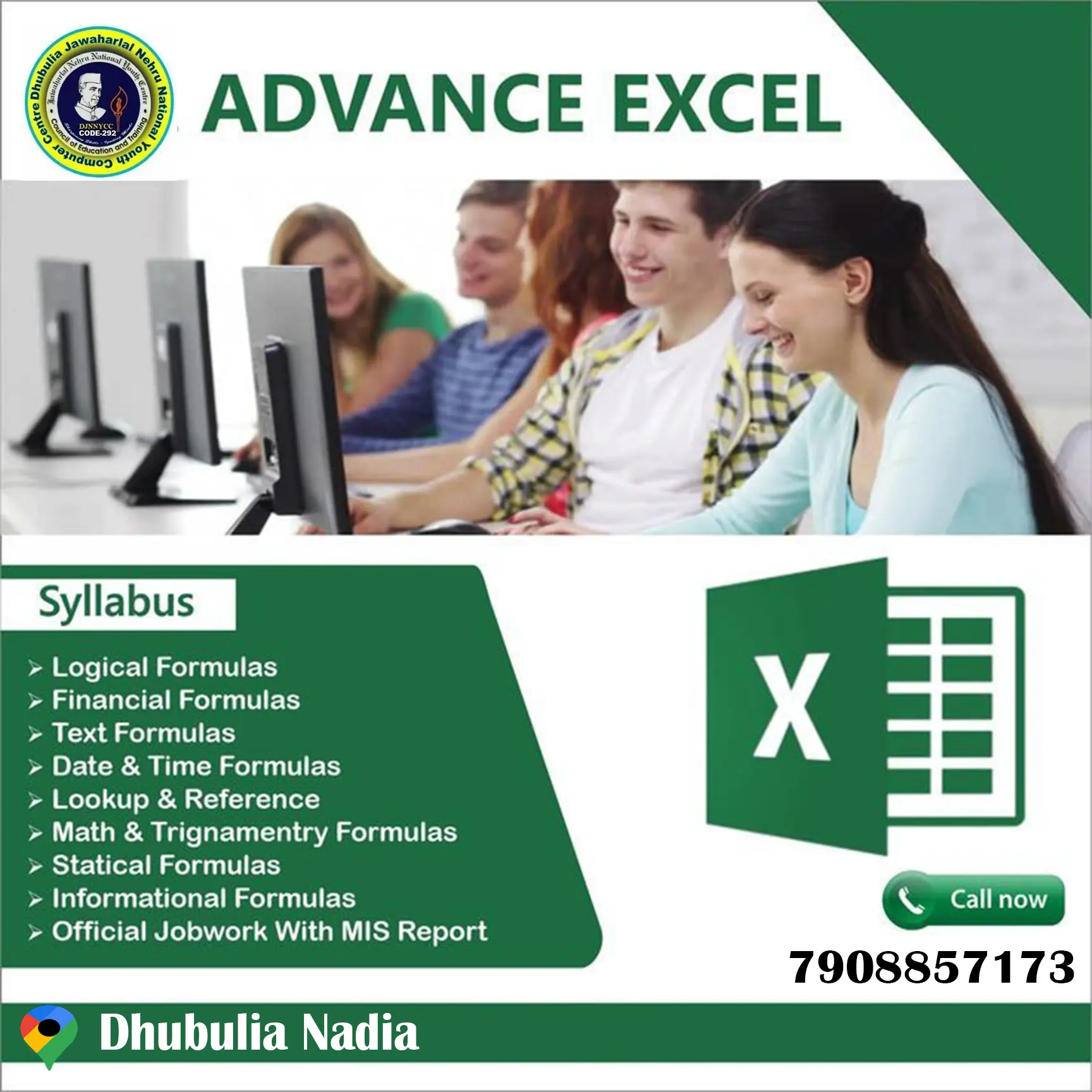
✔ Spreadsheets (MS Excel)

  • Introduction to worksheet and workbook
  • Data entry and formatting
  • Basic formulas and functions (SUM, AVERAGE, MAX, MIN)
  • Cell referencing
  • Creating charts and graphs
  • Sorting and filtering data
  • Preparing simple salary sheets, mark sheets etc.

✔ Presentations (MS PowerPoint)

  • Creating slides and presentations
  • Slide layouts and themes
  • Inserting text, images, shapes, charts
  • Slide transitions and animations
  • Slide show setup
  • Creating professional presentation projects

✔ Internet & Web Browsers

  • Introduction to Internet
  • Using web browsers (Chrome, Edge, etc.)
  • Searching information online
  • Downloading and uploading files
  • Online forms filling
  • Internet safety and cyber security basics
  • Creating an email account
  • Sending and receiving emails
  • Attaching files in email
  • CC & BCC concept

Course Fees

Course Fees
:
₹3500/-
Discounted Fees
:
₹ 2800/-
Course Duration
:
6 Months

Review

0.0
Course Rating (0 reviews)
0%
0%
0%
0%
0%


Call
Text Message
Review
Email
CHAT